Your machine. Anywhere you are.
Crundi turns your own machine, Windows or Linux, into a remote workbench — Claude chats and agent terminals, files, git, kanban, mindmap, scheduling and more — reachable from a browser, the desktop app, the Android app, or a Telegram chat.
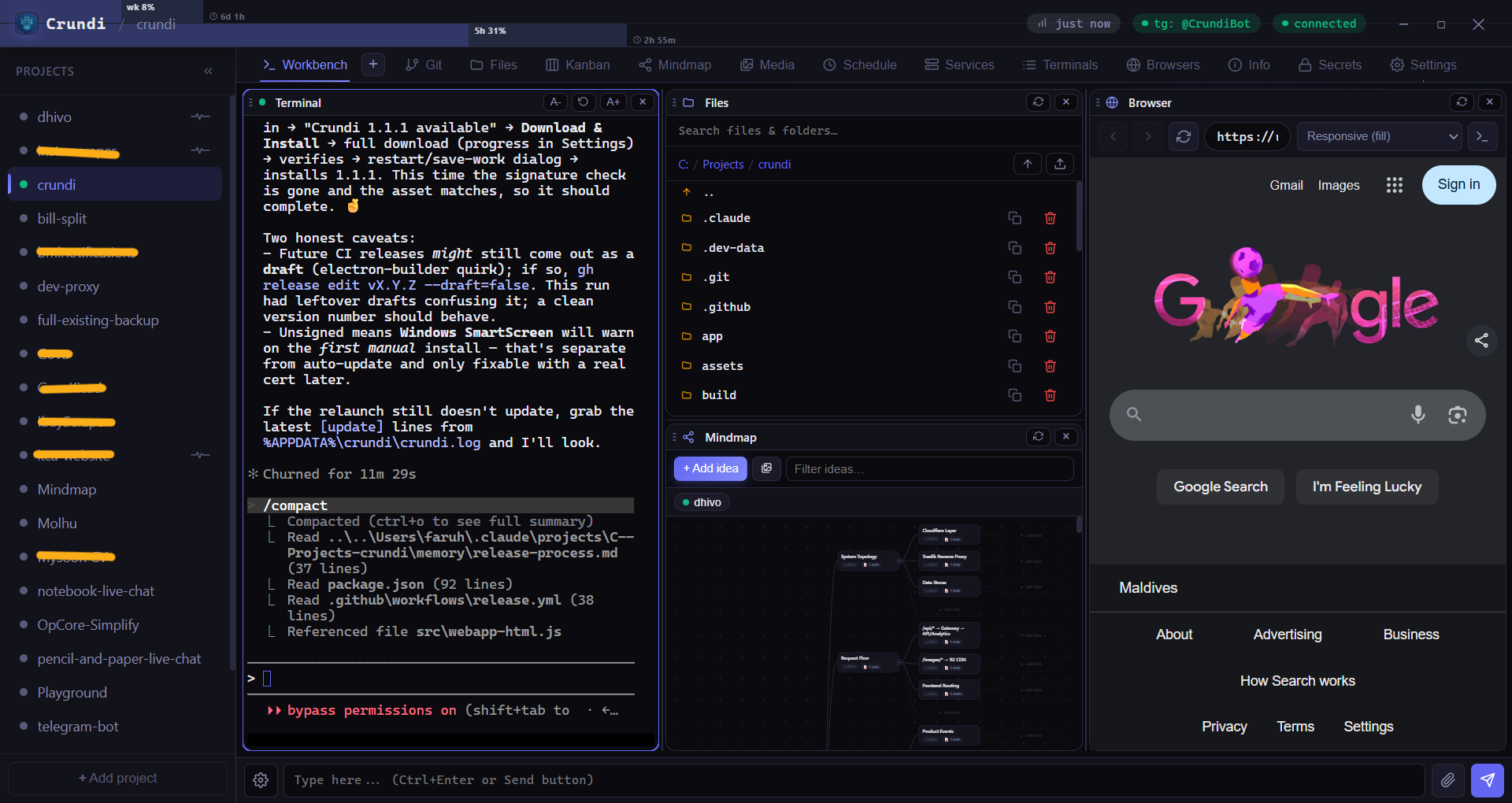
Reach it however you're working
One self-hosted server, four front doors. Pick up exactly where you left off from any of them.
Any browser
Open the full workbench from any device: on your network, over a Cloudflare tunnel, or on your own domain with a real certificate. Nothing to install.
Desktop app
A native Windows app with tray controls, launch-at-startup and seamless one-click auto-updates.
Android app
Pair your phone by pointing it at a picture. Then notifications you can answer, chats that float as bubbles, and a live card while Claude works.
Telegram bot
Drive agents, get notified, and send files straight from a chat — with smart, presence-aware alerts.
Chat with Claude, with a whole workbench around it
Start a chat in a project and work the way you would at your desk. Everything else you reach for during a project sits beside it, in one dark, fast, panel-based surface.
Claude chats
The heart of Crundi: a proper chat with Claude Code, on your machine and your own subscription. Plans, approvals, attachments, queued messages, a suggested next reply, and pictures, video and files shown right in the conversation.
Live panels
Claude can build a panel beside the chat: progress on a long job, a chart from a file or database, a status board. It stays open and updates by itself.
Agent terminals
Spawn multiple AI-agent terminals per project. Resize, rename and reorder — full xterm with newline-key control.
File browser
Navigate, search, upload, copy and download files with drag-and-drop and auto-scroll across panels.
Git
See status, stage, diff and commit right inside the workbench, project by project.
Kanban
Backlog → done with tasks, sub-todos, history and restore. Agents can move cards too.
Mindmap
Branching idea maps with notes, links and pixel-aligned edges. Plan visually, then act.
Media
Collect images and clips, with clickable links that jump you straight to the related task or node.
Schedule
Run agents and jobs on a timer. Get a Telegram ping when a scheduled task fires.
Services
Register start/stop commands, stream logs, and expose any port through a Cloudflare tunnel.
Browsers
An embedded browser with device emulation — iPhone, iPad, Pixel, Galaxy, desktop and more.
Secrets
Store secrets safely and gate every access request behind an explicit, notified approval.
Plan the work, watch it move
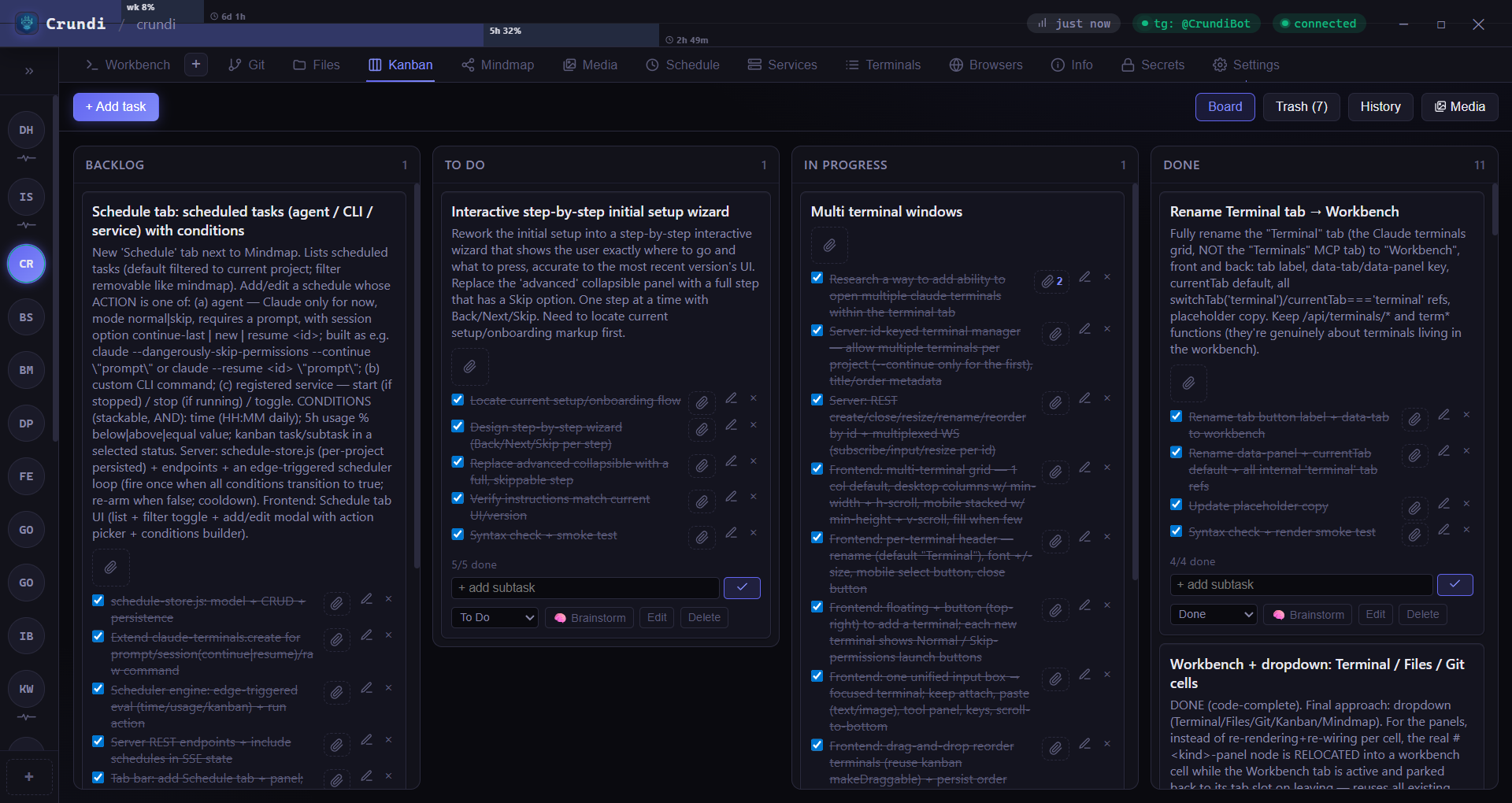
Columns from backlog to done, each card with sub-todos, full history and one-tap restore. Your agents can move and update cards too — so the board reflects reality.
- Tasks, sub-todos and per-card history
- Optional notifications on status change
- Collapsible project rail on the left
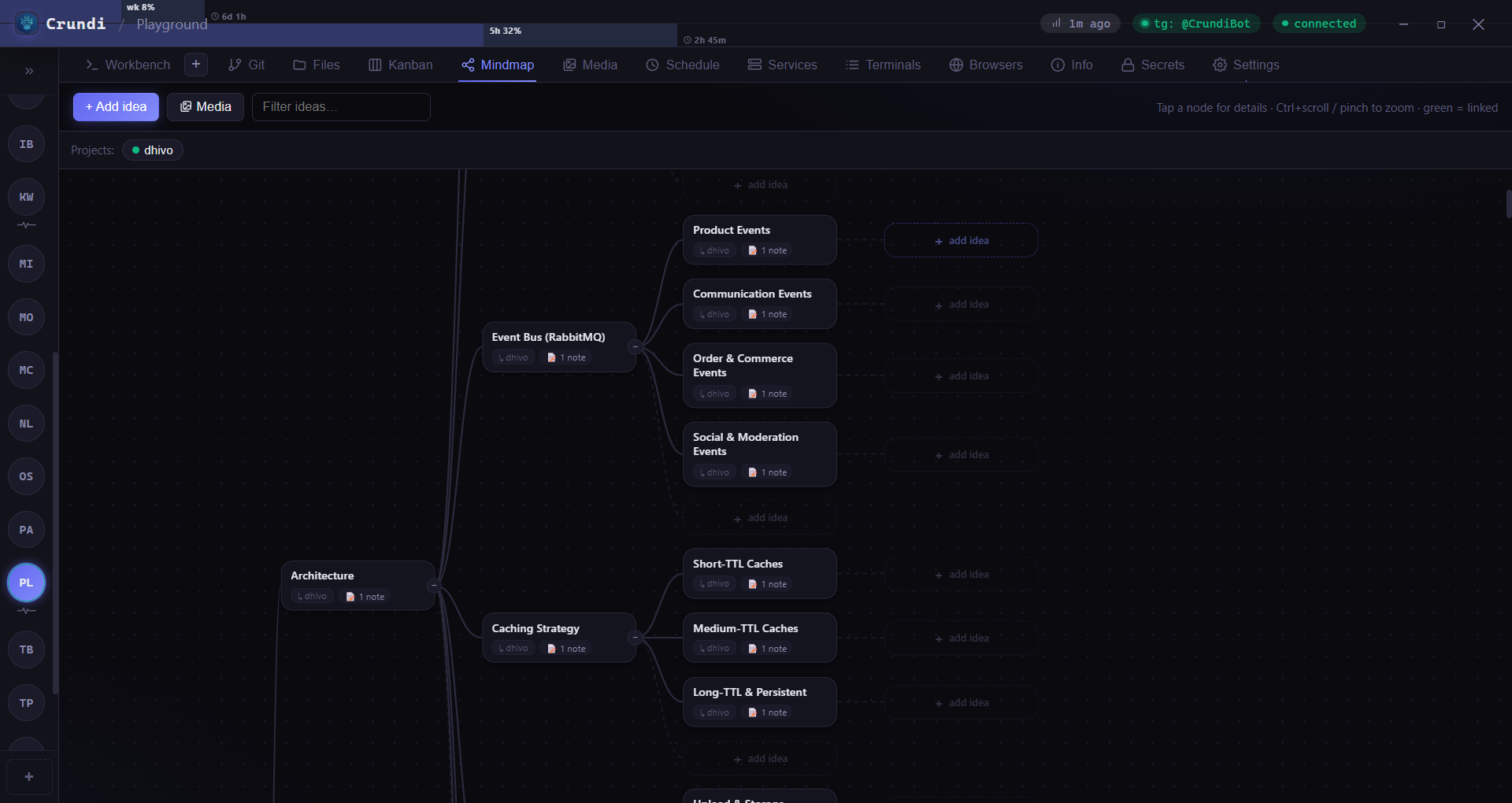
Think in branches
Map out architecture and ideas as a living tree — add notes, link nodes, and let the panel compact itself when space is tight so the canvas stays front and centre.
- Notes and cross-links per node
- Crisp, pixel-aligned edges
- Searchable subtree navigation
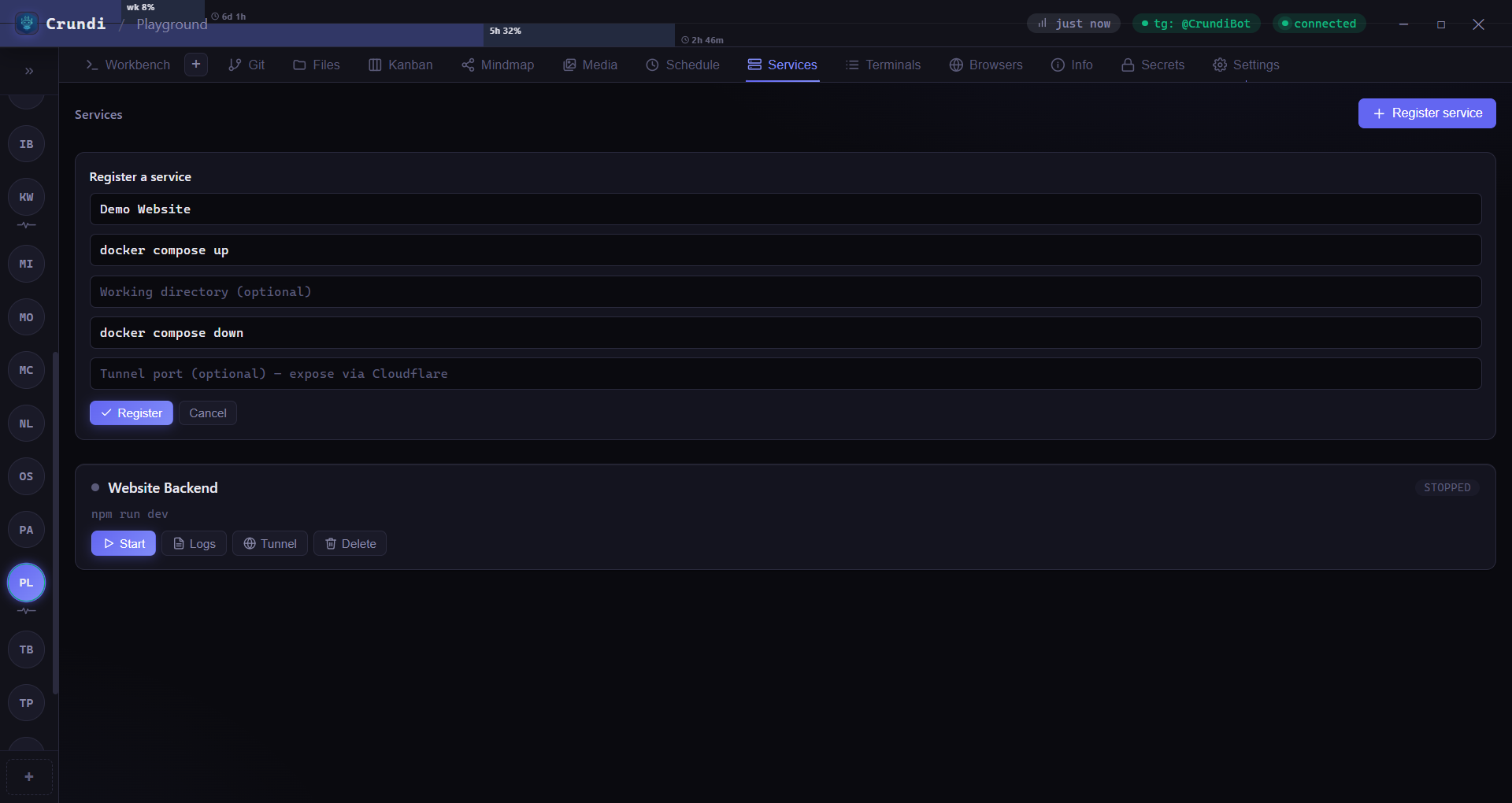
Run it, expose it, watch it
Register a service with its start and stop commands, hit go, and stream the logs. Need it reachable from outside? Open a Cloudflare tunnel on any port in a click.
- Start / stop / restart with live logs
- One-click Cloudflare tunnels
- Crash & start notifications
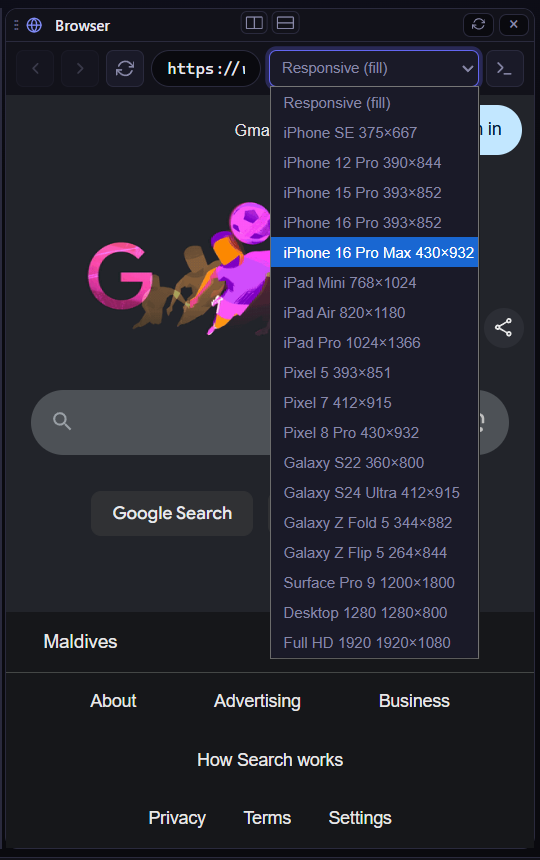
Preview on every screen
Pull up any URL inside the workbench and flip between device profiles — iPhone, iPad, Pixel, Galaxy fold, Surface, Full HD — to check your work without leaving Crundi.
- 20+ device viewport presets
- Sits beside your terminal and files
- Drive it from agents over MCP
The whole workbench, in your pocket
Stack panels vertically or swipe through a snap layout. Drag a file toward an off-screen panel and the view scrolls to meet it.
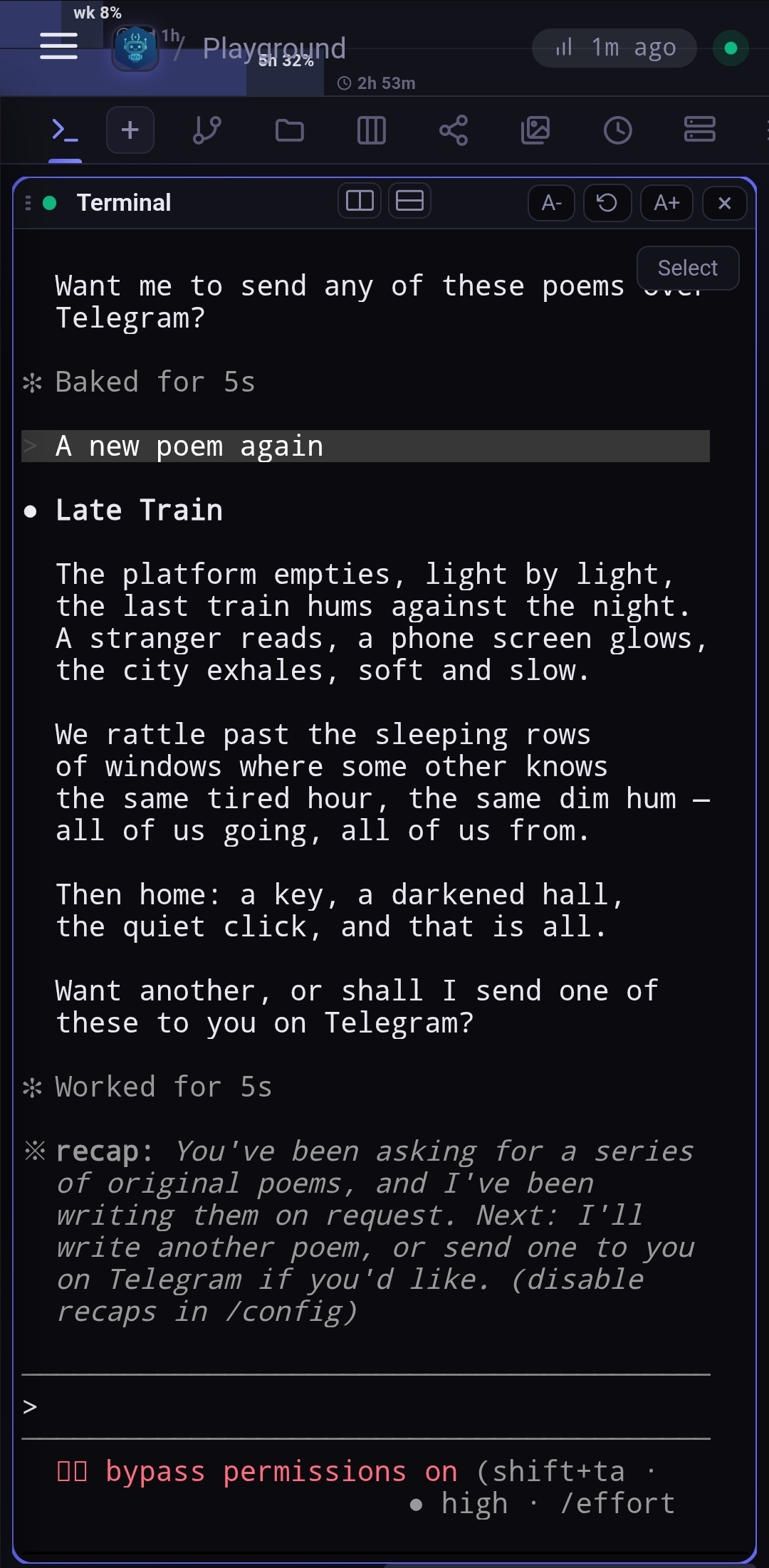
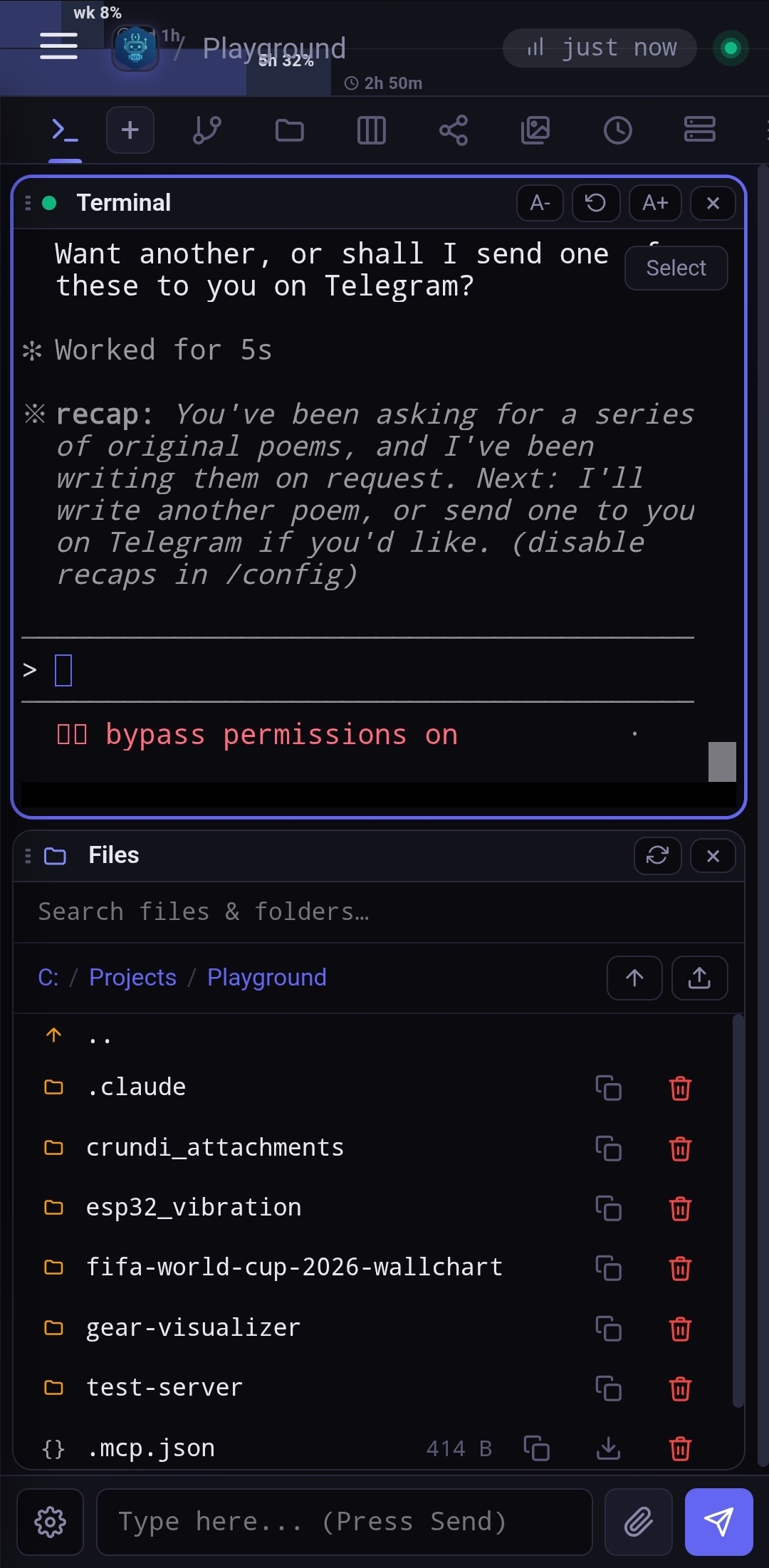
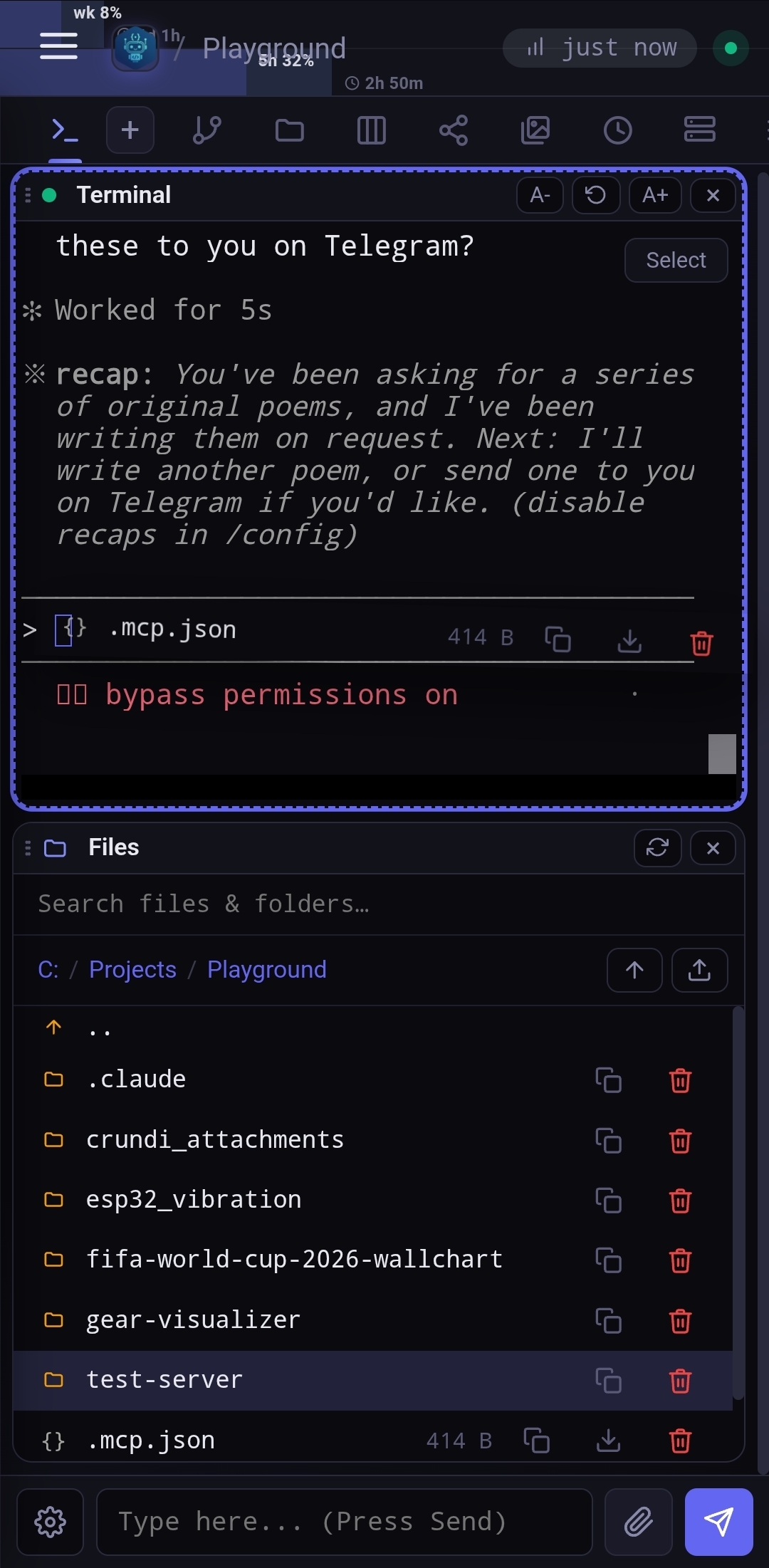
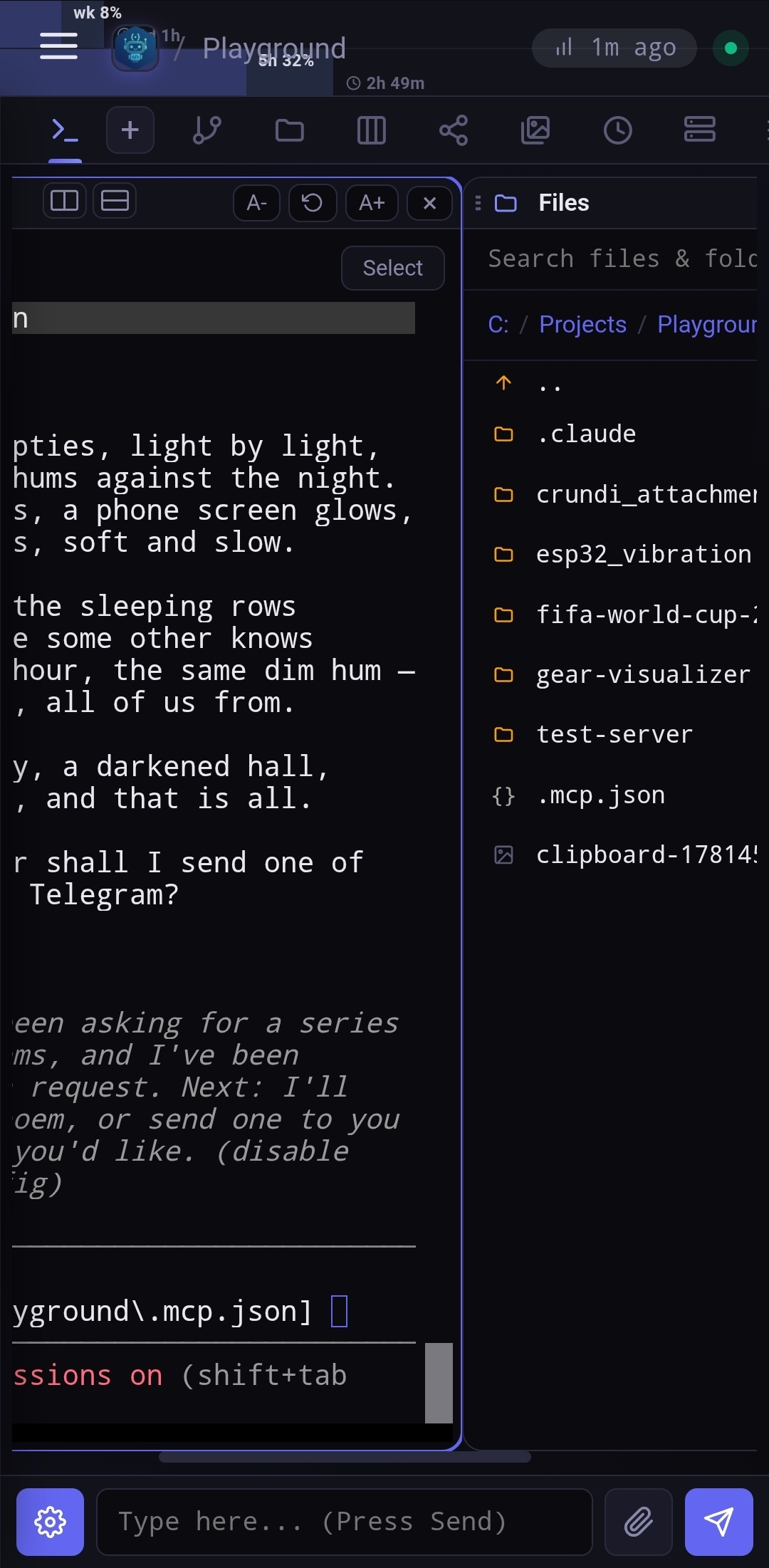
Your server, as an app on your phone
One app for everyone, connected to your own server and nobody else's. No account with us, no password typed on the phone. Needs Crundi 1.20 or newer.
Pair in seconds
Open Settings on your server, choose Connect a phone, and point the phone at the picture it shows. The phone appears by name among your devices, where you can cut it off.
Answer from the notification
When Claude finishes or needs you, reply right there, tap the suggested reply, or approve and deny a request. A notification clears itself once you have dealt with it anywhere.
Chats that float
A chat can float over whatever else you are doing, as a bubble. Leave the app while Claude is working and the busy chats follow you out.
See Claude working
A card shows which chats are at it and since when, one per project, and says so plainly when one needs you. A live notification on Android 16.
Sealed end to end
A notification is encrypted on your server for your phone alone. The relay that passes it on, and Google, carry a message they cannot read.
On its way to Google Play
The app is in testing on Google Play and will be listed there once Google has reviewed it. Privacy policy.
Your agents, in your chats
Get pinged when an agent finishes or needs input — but only when you're away. Crundi knows when you're actively focused and stays quiet, with per-event Always / When Away / Never controls.
See bot setupTake your desk with you.
Install Crundi on your Windows or Linux machine, or run it in Docker, and reach it from anywhere. Updates are one click.
Windows · unsigned build — SmartScreen may warn on first install